 innovate beyond limits
x
innovate beyond limits
T
E
E
R
A
.
A
I
Get Your Accounting Software Account
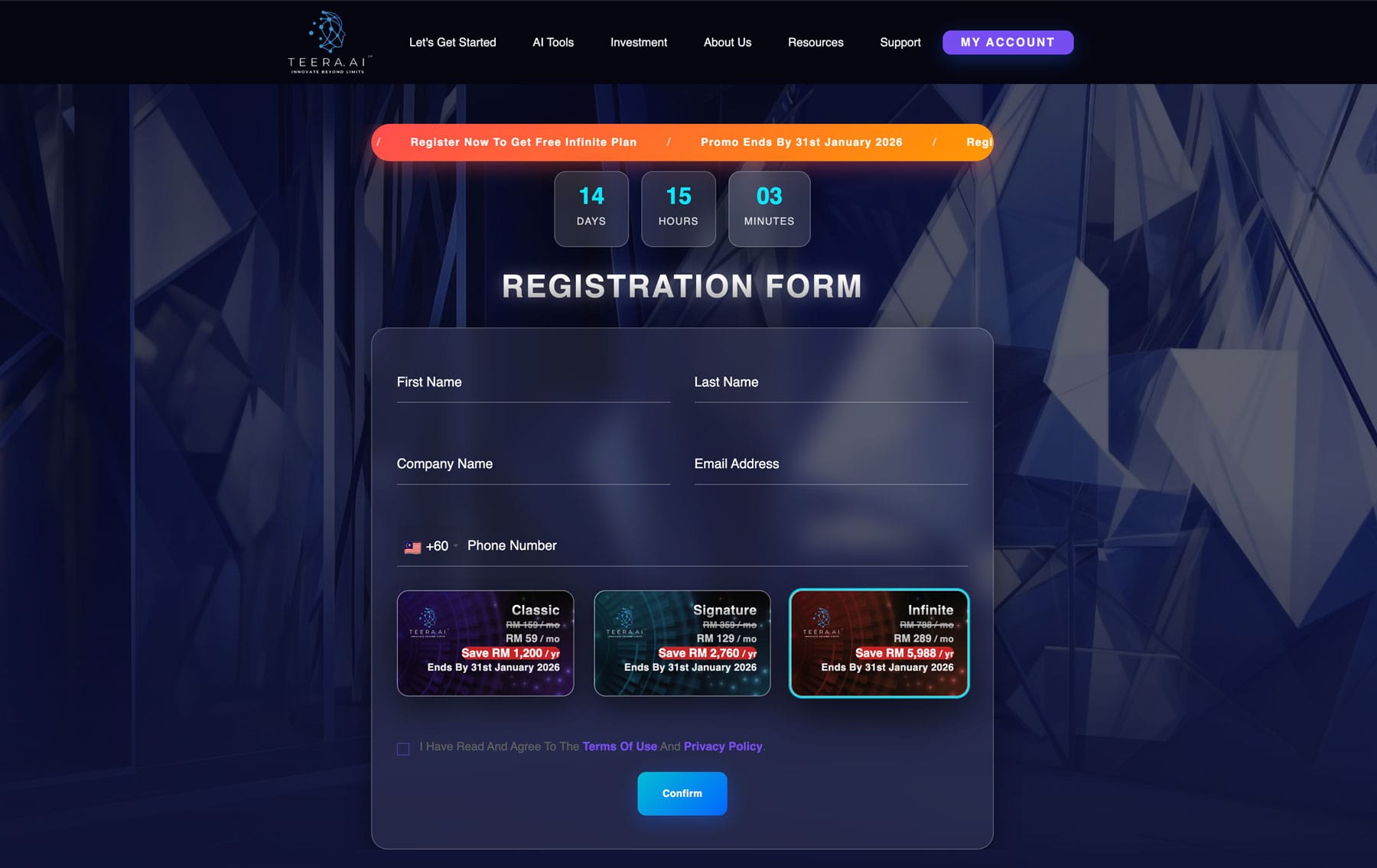
Step 1 — Visit TEERA.AI
Open your preferred web browser and visit https://teera.ai.
You will arrive at the official TEERA.AI homepage, where you can explore our AI-powered accounting platform, intelligent enterprise solutions, and available subscription plans.

Step 2 — Register for Your Free Trial
Click “Try TEERA.AI for Free” located at the top-right corner of the homepage.
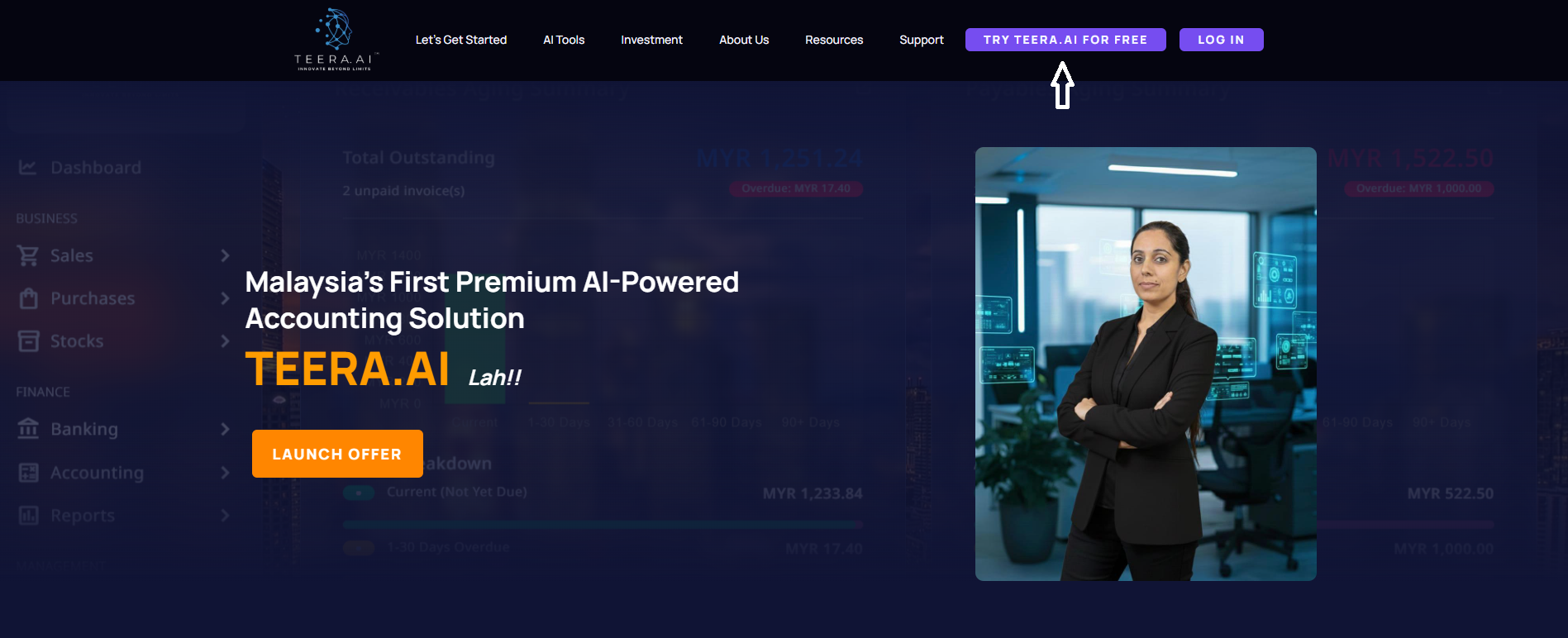
You’ll be redirected to the registration page where you can create your TEERA.AI account under the Infinite Plan (Free Trial).
Complete the registration form by providing:
- First Name
- Last Name
- Company Name
- Email Address
- Mobile Number
Before submitting, review the Terms & Conditions and Privacy Policy, then confirm your agreement to complete the registration process.
Step 3 — Check Your Email for Login Credentials
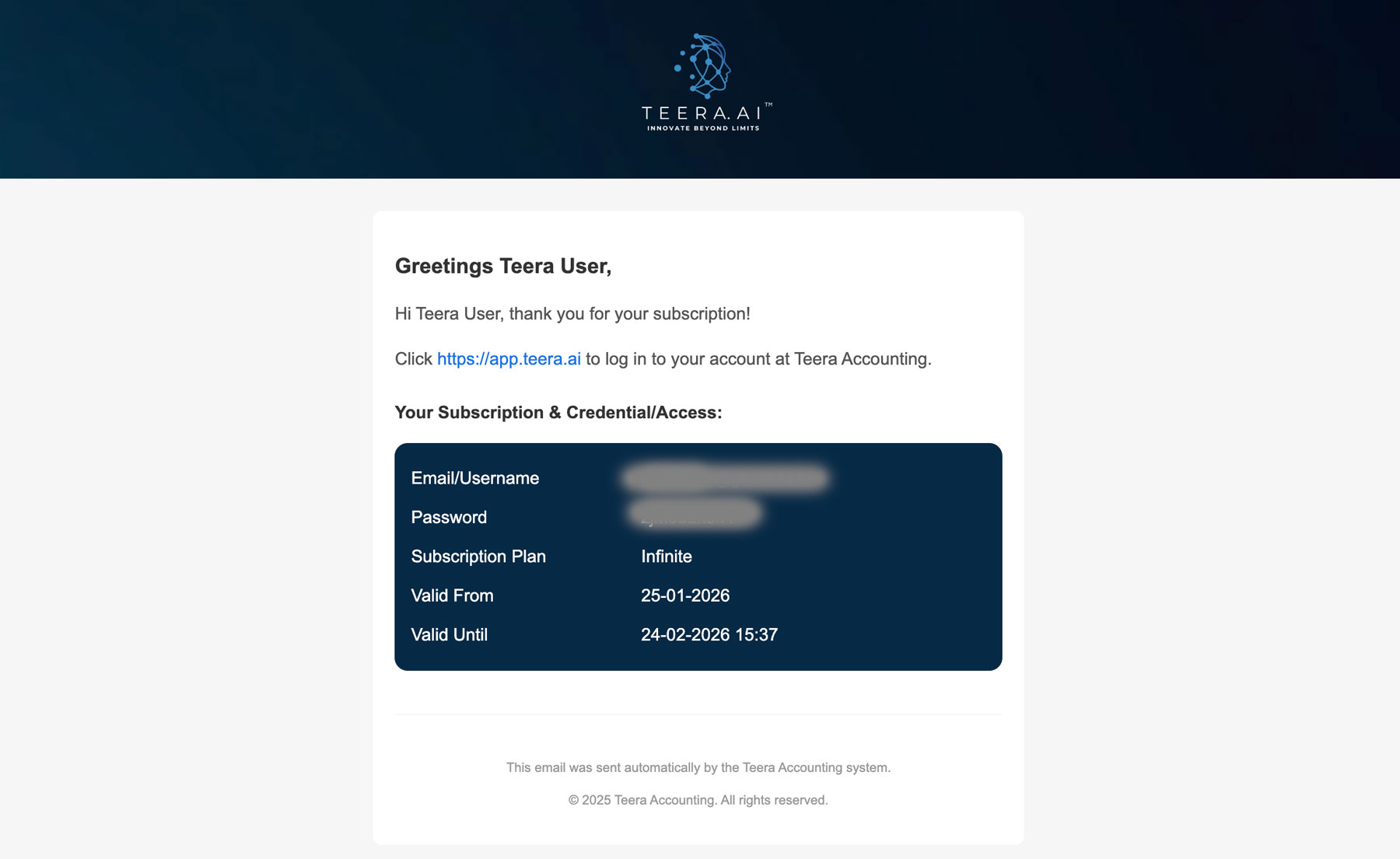
Once your registration is complete, TEERA.AI will automatically send an activation email to the email address you provided.
The email contains everything you need to access your account:
- Your login email or username
- Your temporary password
- Your subscription information
- A direct link to the TEERA.AI application
If you don’t see the email within a few minutes, please check your Spam or Junk folder before contacting our support team.
Step 4 — Access Your TEERA.AI Dashboard
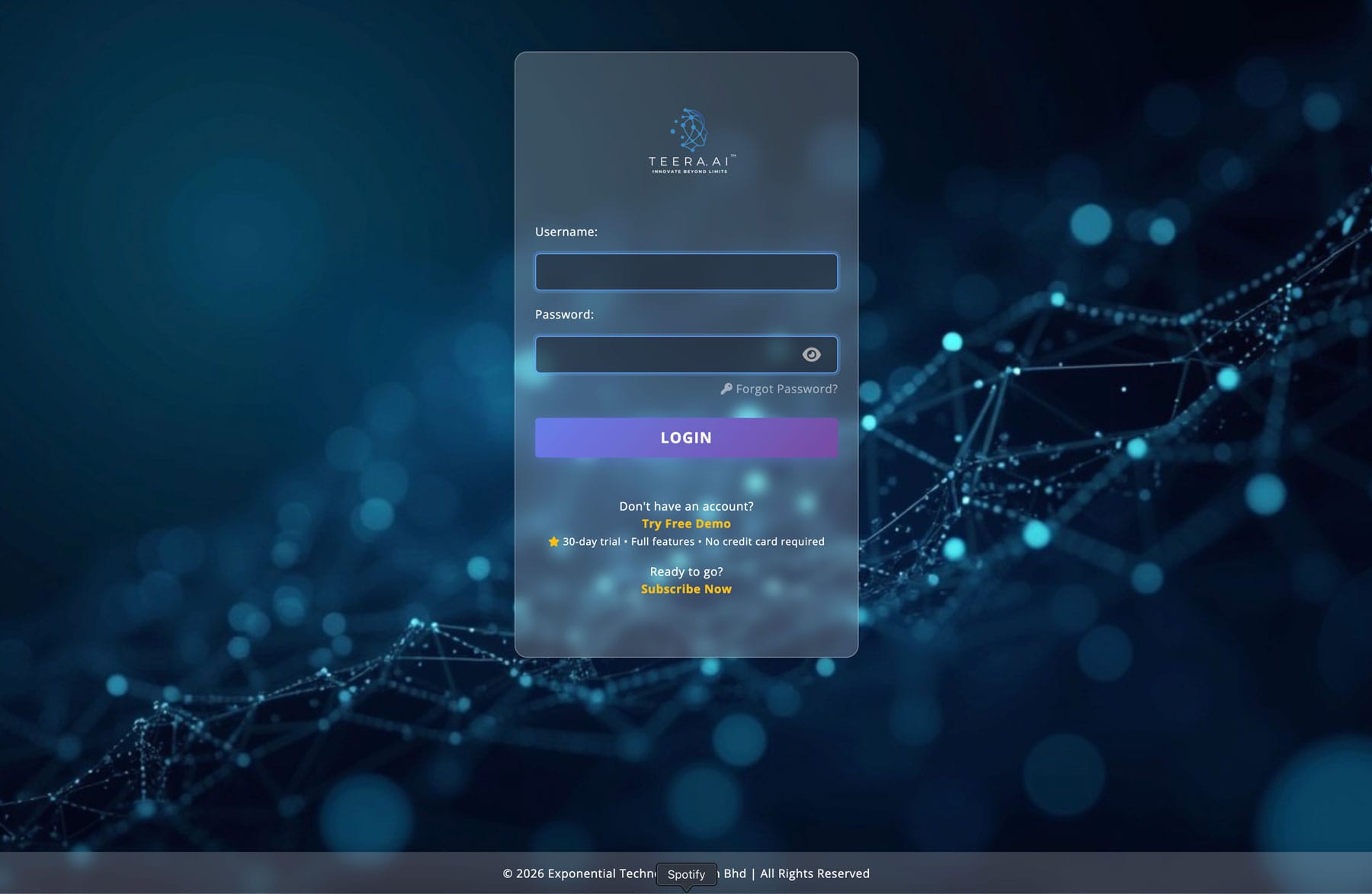
Visit the TEERA.AI application portal at:
https://app.teera.ai
Sign in using the email address and temporary password provided in your registration email.
- Enter your email address
- Enter your temporary password
- Click Log In
After successful authentication, you will be redirected to your TEERA.AI dashboard where you can begin exploring the platform.
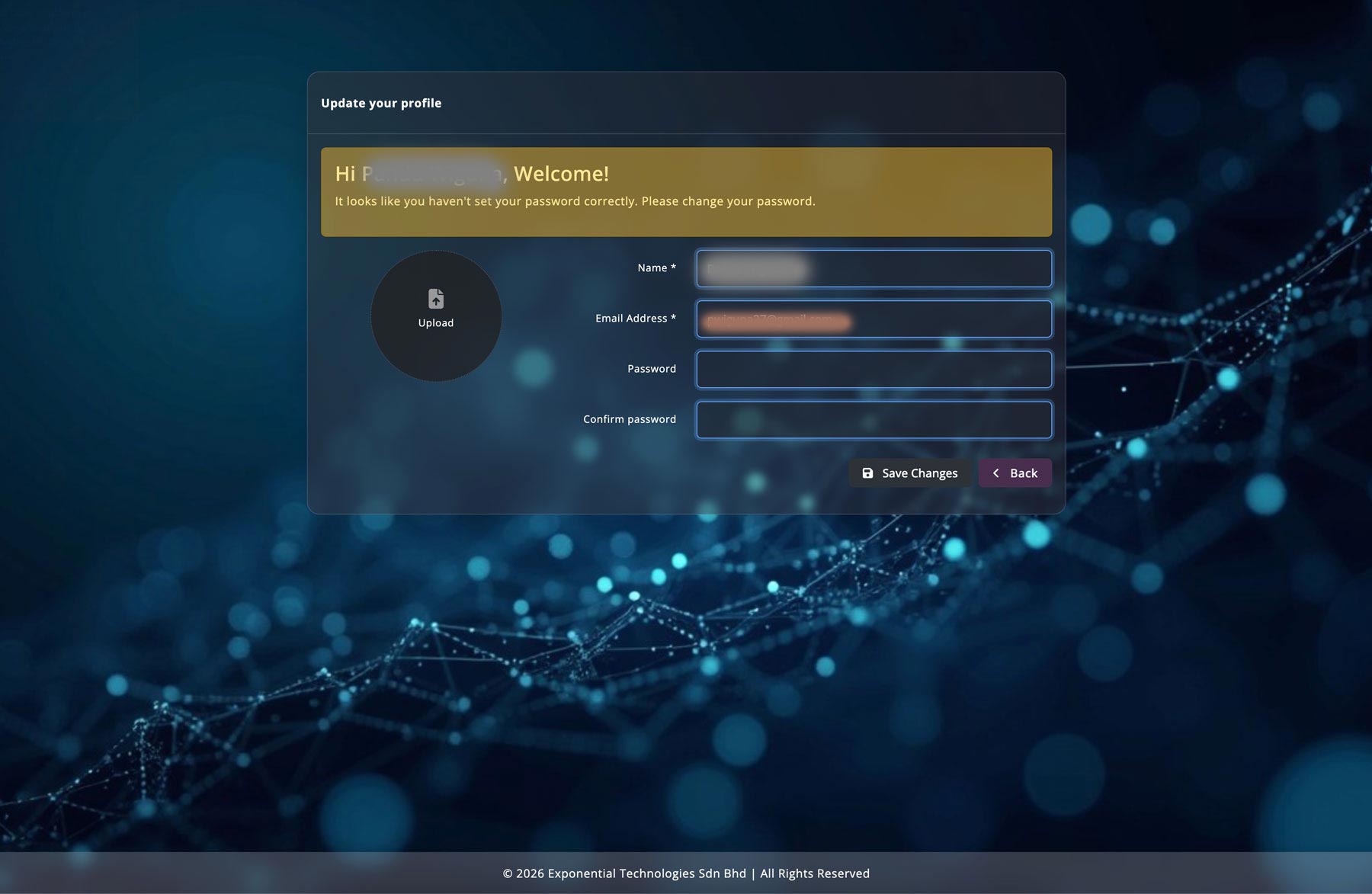
Step 5 — Complete Your Profile
Once logged in, you’ll be taken to your account dashboard where you can personalize your TEERA.AI experience.
Before using the platform, we recommend completing the following setup:
- Change your temporary password
- Review your account information
- Verify your company details
- Explore your available subscription
- Begin using TEERA.AI products and services
Your account is now fully configured and ready to help automate your business processes using artificial intelligence.